
Automation case study · Tax refunds for Canadians
From first inquiry to refund cheque.
One connected system that takes a client from the website form to a finished case, with staff approving the steps that matter.
- Client
- U.S. Tax Recovery
- Business
- Tax refunds for Canadians
- What we automated
- Intake, onboarding, document checks, follow-ups
- Works with
- HighLevel, email, their client portal
What we built
A client portal people actually finish.
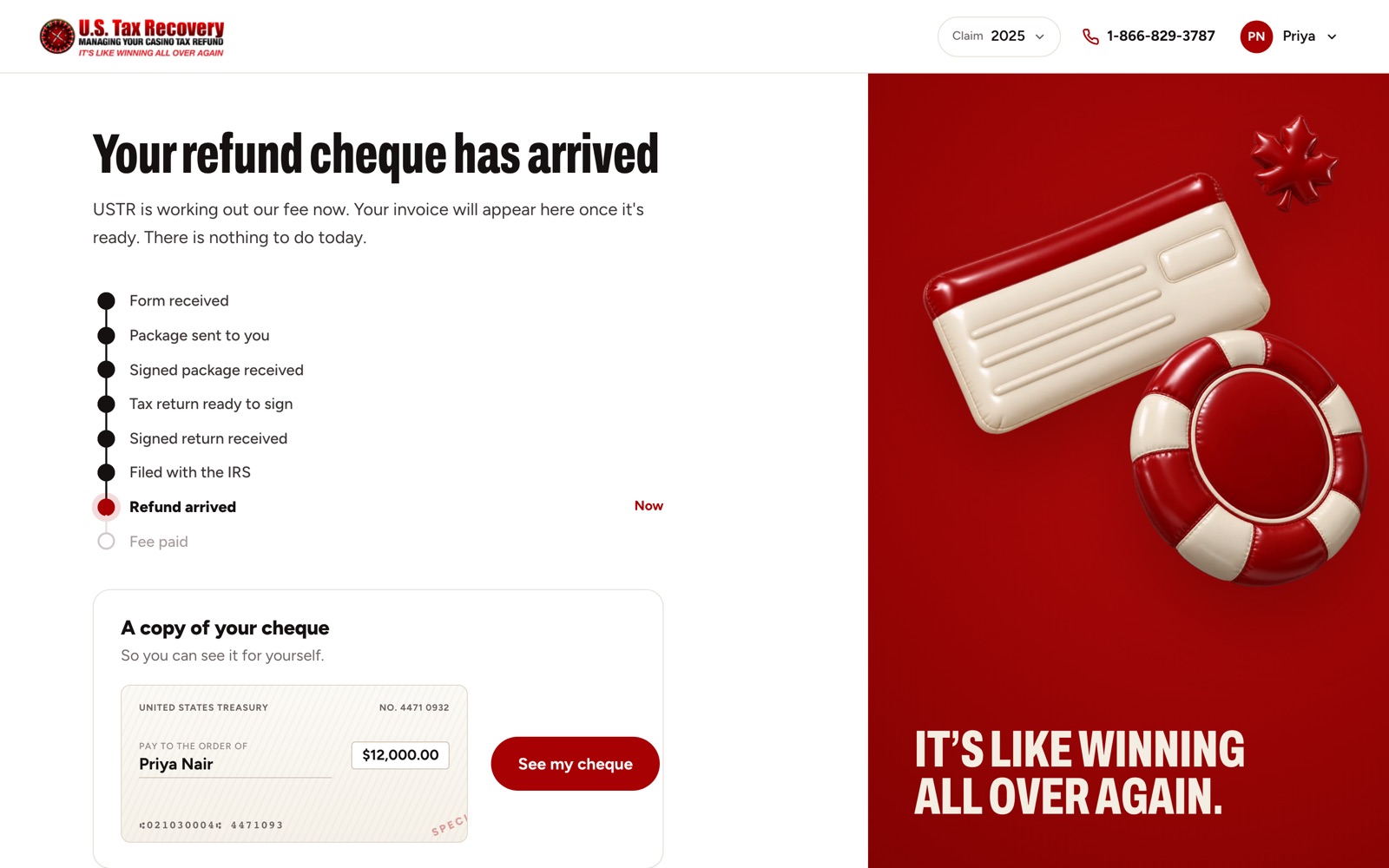
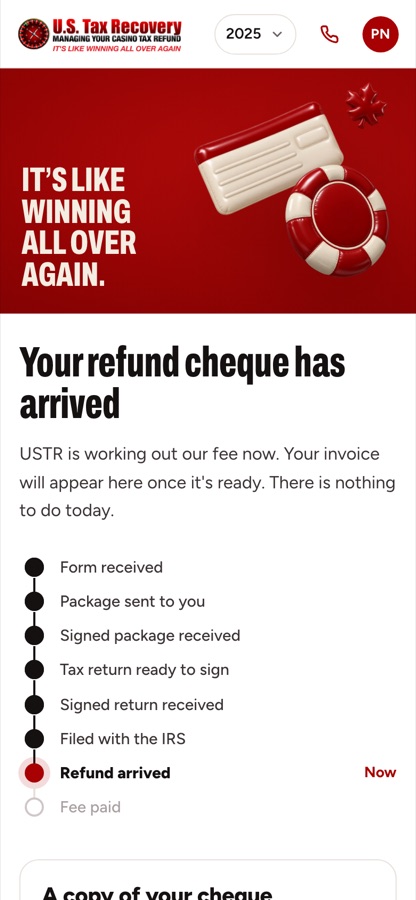
Every client gets their own secure portal: one place to answer questions, upload slips and follow their refund.
One-time code sign-in
No passwords to forget. Clients sign in with a code sent to their email.
A guided questionnaire
Plain questions, one at a time. The answers fill in the IRS forms their case needs.
Live status, step by step
From form received to refund arrived, clients can see exactly where their claim is.
A copy of their cheque
When the refund lands, the client sees it in the portal, so nobody has to call and ask.
Slip reading
Tax slips, read for you.
Clients upload a photo of each slip. The amounts are read automatically, duplicates and corrected slips are caught, and a named person signs off the totals before the return is drafted.
- Withholding agent
- Sample Casino Resort
- Box 1 · Income code
- 28 · Gambling winnings
- Box 2 · Gross income
- $12,000.00
- Box 7a · Federal tax withheld
- $3,600.00
- Amounts read automatically
- No duplicate or corrected slip found
The workflow
What happens, step by step.
Every step here is built and connected. The ones that matter wait for a person.
8 steps
5 run on their own3 involve a person
- 01
Website inquiry
A short start form on the site. Spam is filtered out before anything reaches the team.
Runs on its own - 02
Into the CRM
A contact and an opportunity for each tax year are created in HighLevel. The client gets a confirmation, the team gets an email, and it retries if the CRM is down.
Runs on its own - 03
Secure client portal
Clients sign in with a one-time email code. A guided questionnaire fills in the IRS forms their case needs.
Runs on its own - 04
Forms approved
The team checks the prepared packet before anything is sent to the client.
A person approves - 05
Tax slips read by AI
Scanned slips are read automatically. Duplicates and corrections are caught, and a named person signs off the totals.
Automatic, then checked - 06
Draft return
A draft return is prepared from the checked slips for the preparer to review and approve.
A person approves - 07
Follow-ups
Onboarding reminders on day one, three and seven, status in the portal, and a review request when the case is done.
Runs on its own - 08
One screen for the team
What needs action, money owed and cases ready to file, with alerts and a daily digest.
Runs on its own
Who does what
Automatic where it’s safe. A person where it matters.
Runs on its own
- Website inquiry
- Into the CRM
- Secure client portal
- Follow-ups
- One screen for the team
Waits for a person
- Forms approved
- Tax slips read by AI
- Draft return